
Seamless Pattern Maker App for PNG & JPG, Repeat Pattern and Digital Paper Tool
$15.95
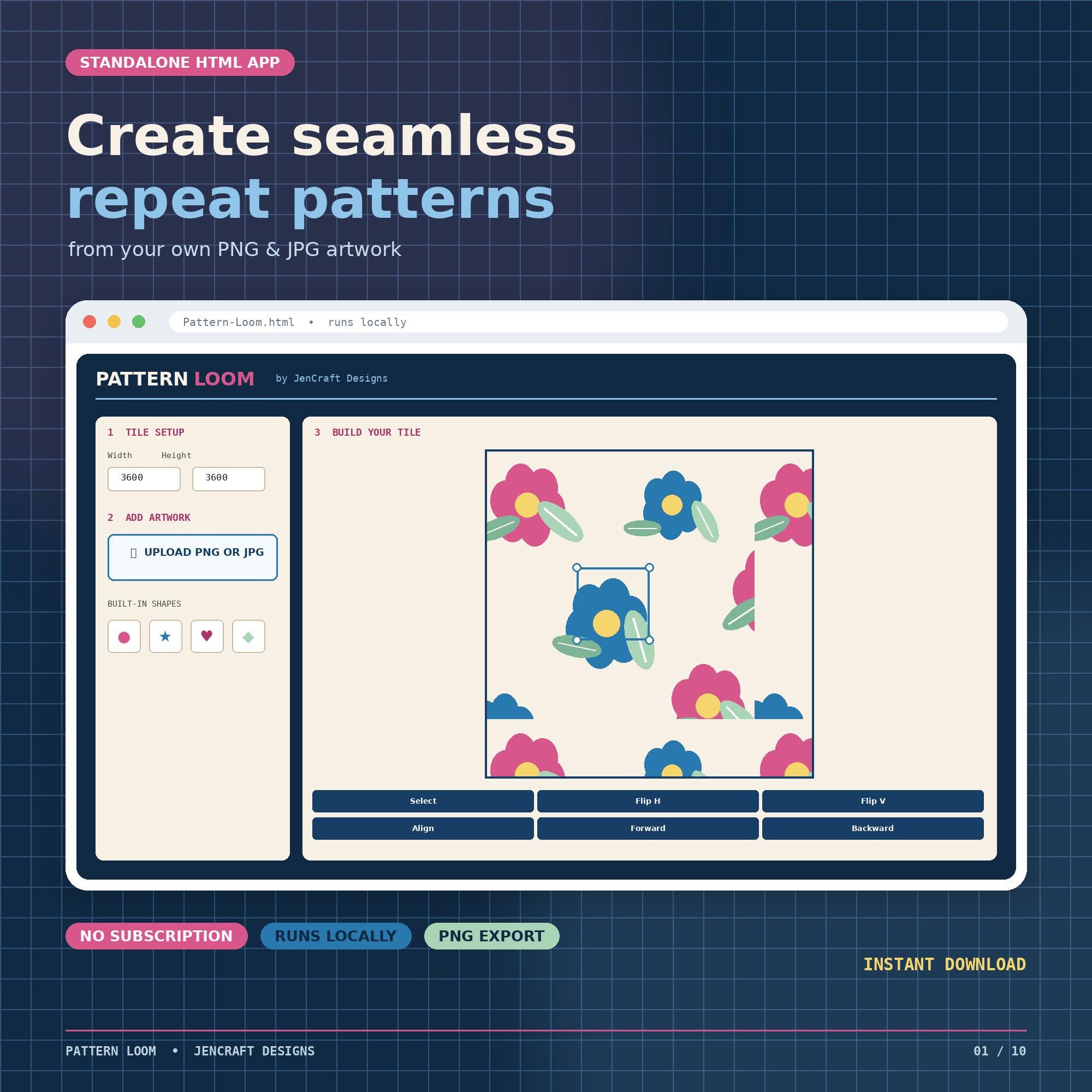
Create seamless repeat patterns, digital papers, fabric designs, sublimation backgrounds and more from your own PNG and JPG artwork with Pattern Loom.
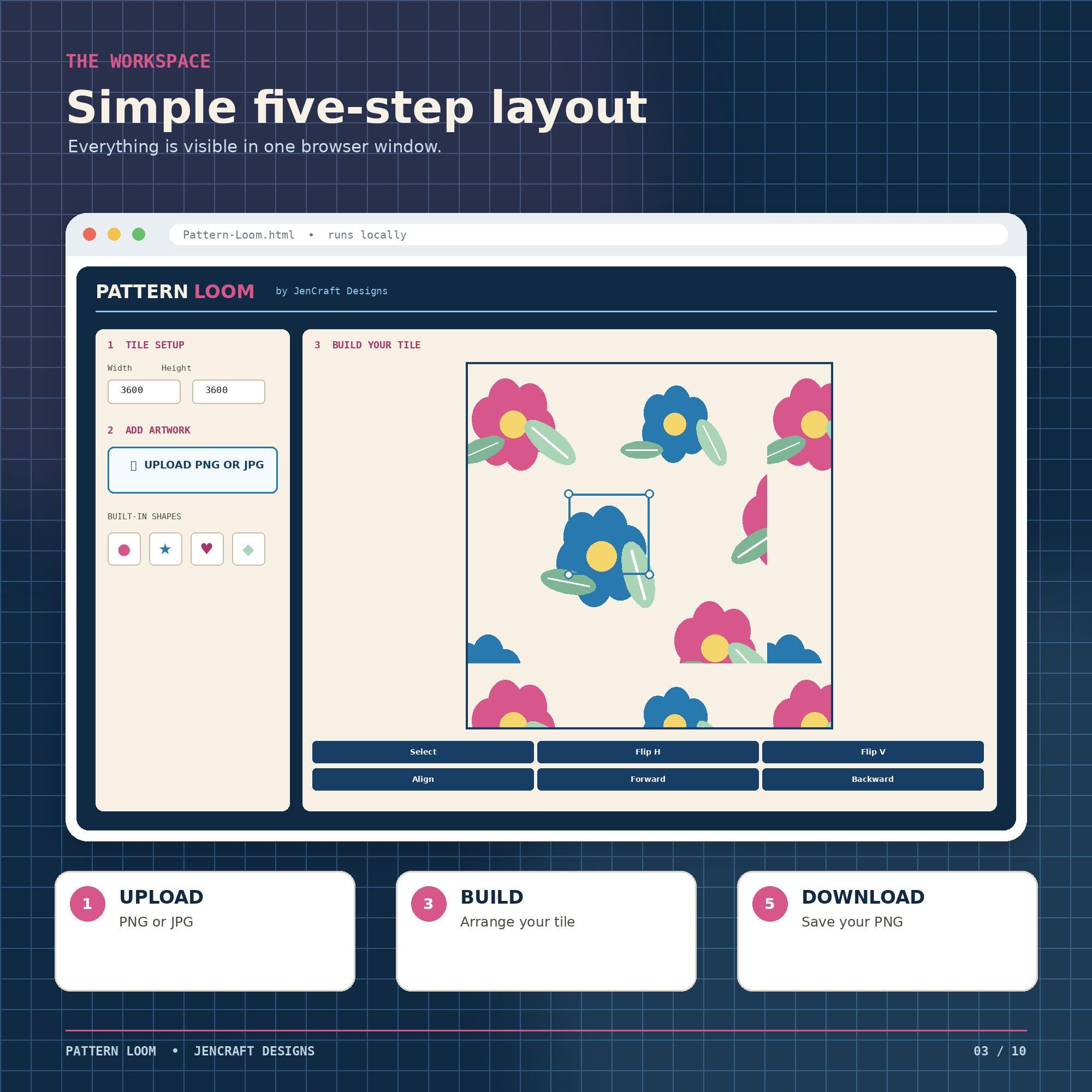
Pattern Loom is an easy-to-use browser-based seamless pattern maker that lets you arrange your own design elements and instantly see how they repeat—without a subscription, account or complicated design software.
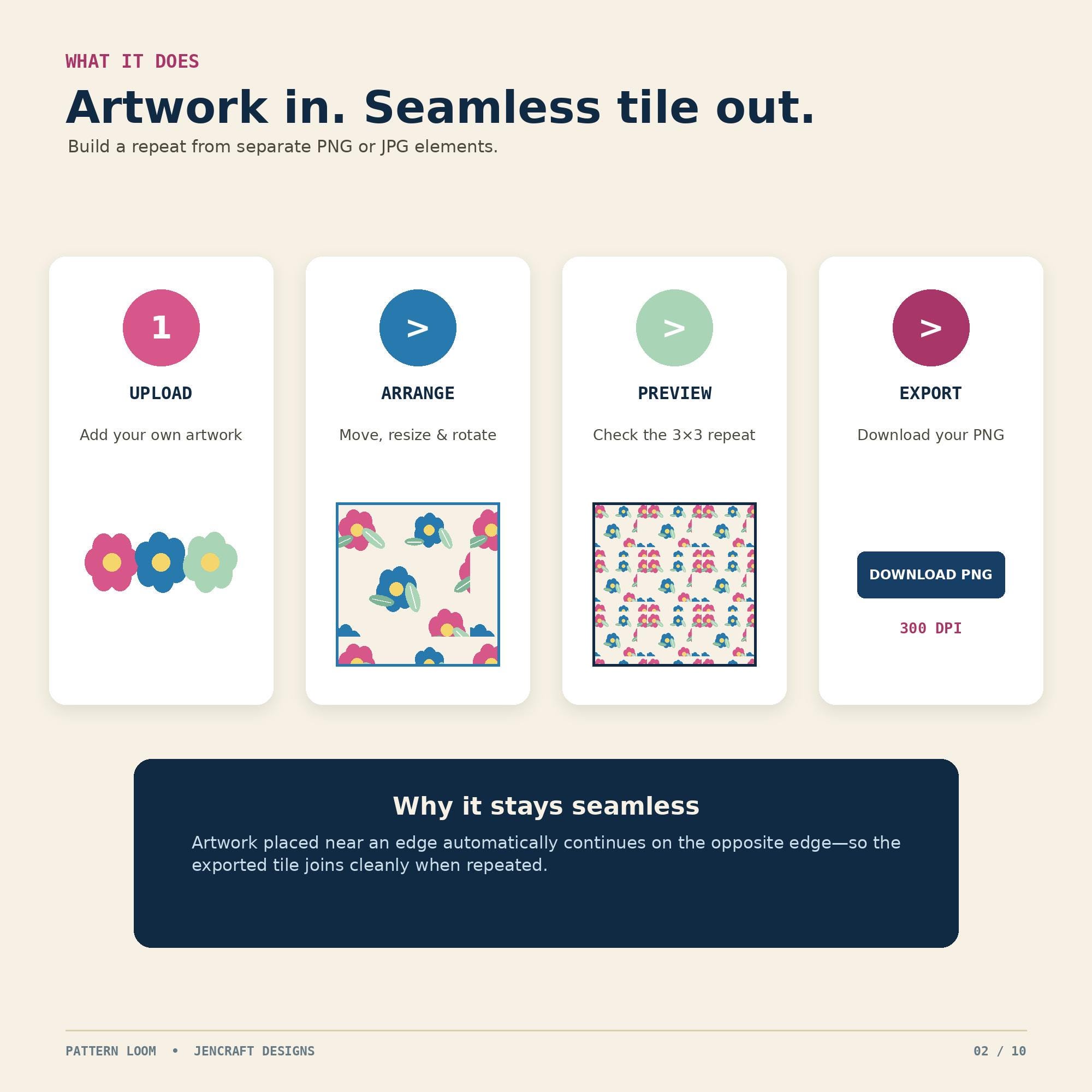
Upload individual design elements, arrange them on the tile, and Pattern Loom automatically continues edge artwork on the opposite side. Preview the full 3×3 repeat, then download a finished PNG in the size and background you choose.
## WHAT YOU CAN DO
• Upload PNG or JPG artwork
• Add built-in shapes
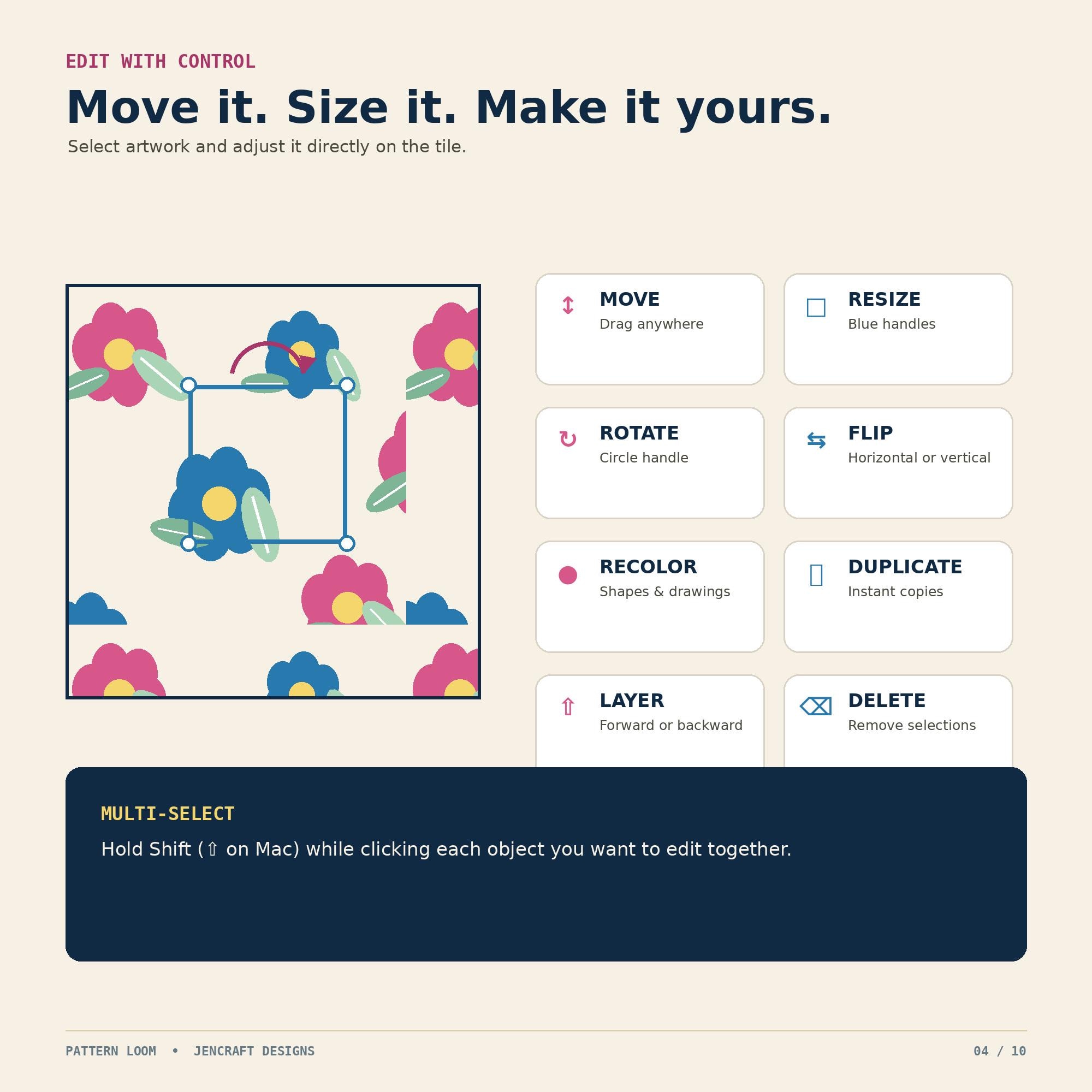
• Move, resize and rotate elements
• Flip artwork horizontally or vertically
• Recolor built-in shapes and drawings
• Duplicate and delete selected objects
• Move objects forward or backward
• Hold Shift to select multiple objects
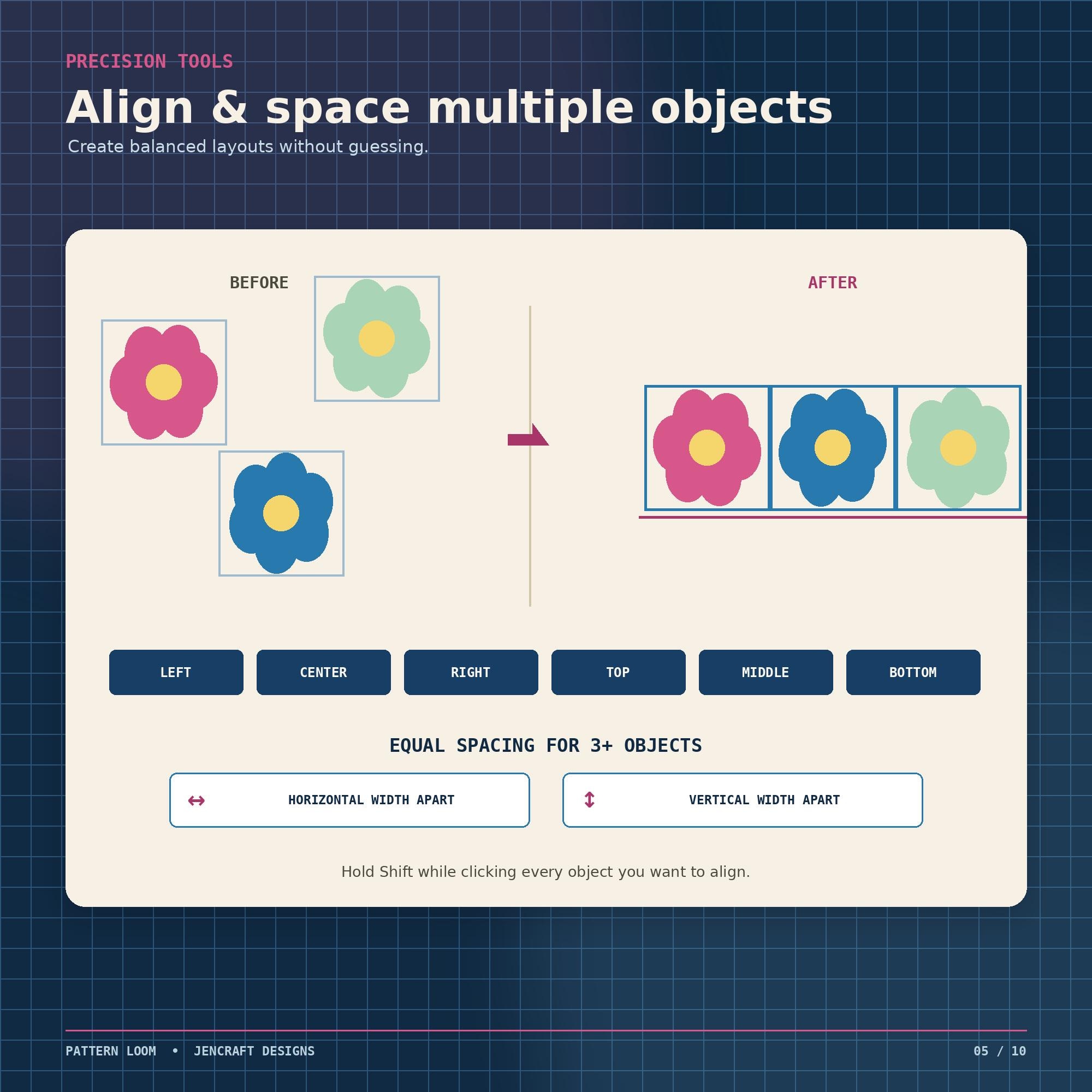
• Align objects to the left, center, right, top, middle or bottom
• Space three or more objects evenly horizontally or vertically
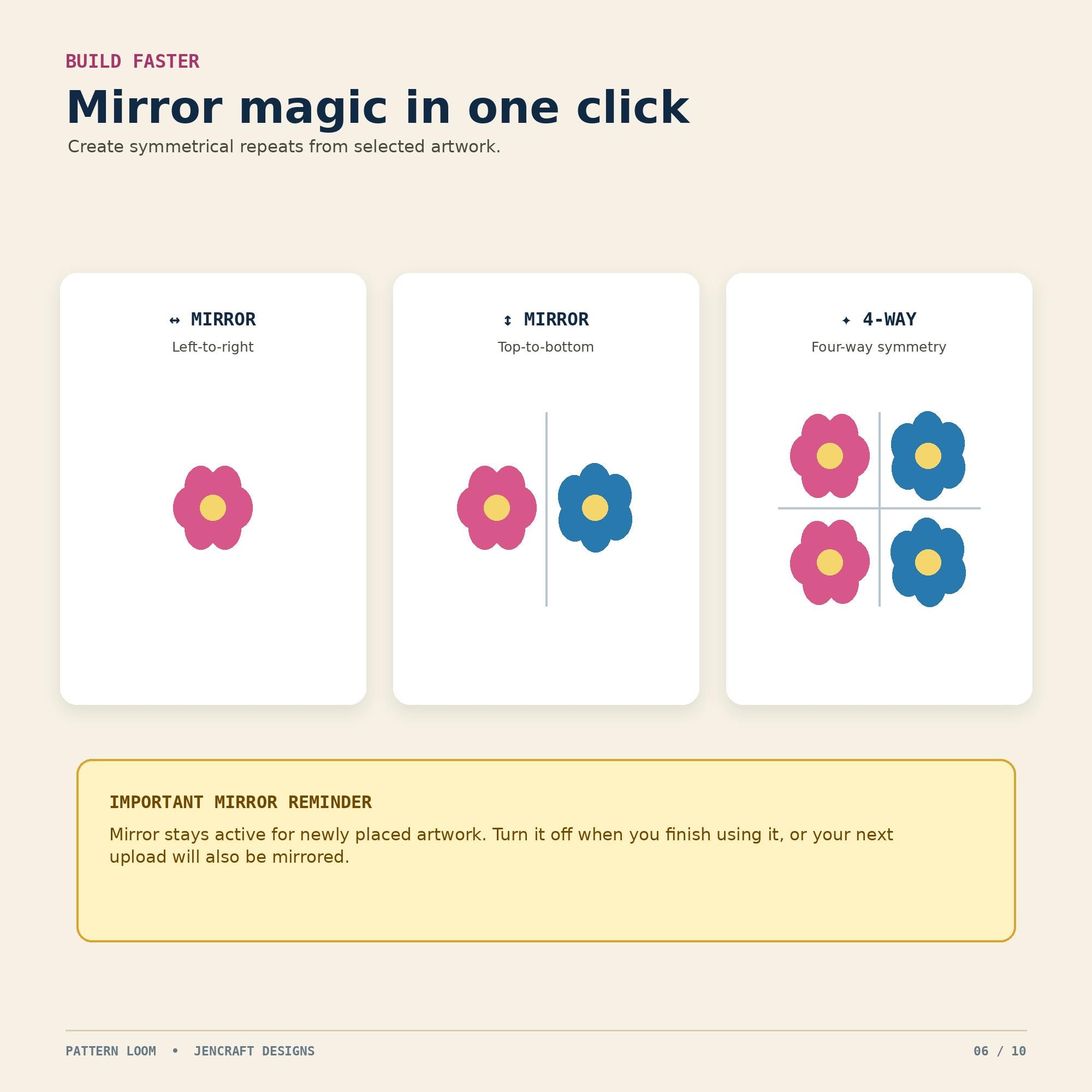
• Create horizontal, vertical or four-way mirrored copies
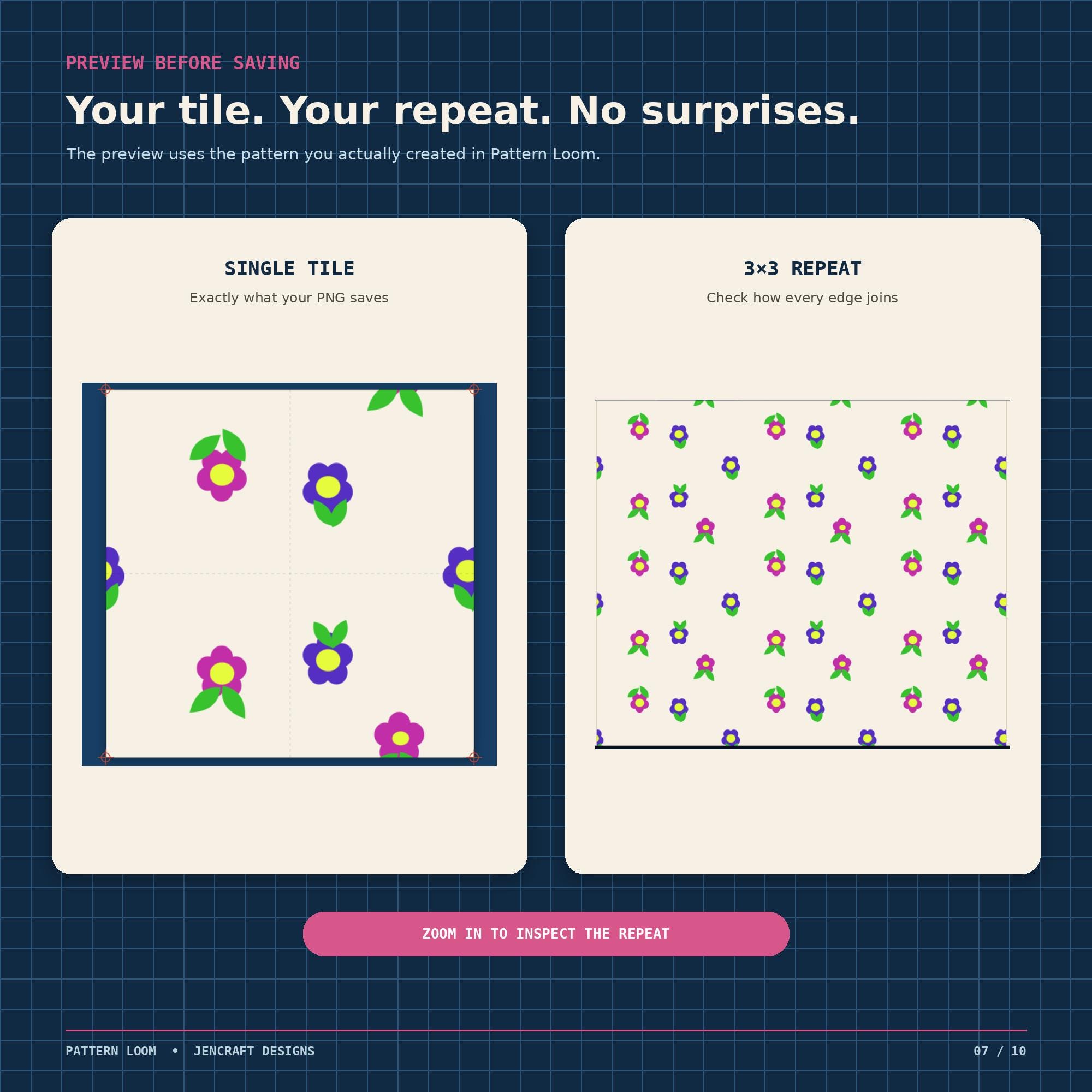
• Preview the exact single tile or a full 3×3 repeat
• Enlarge the preview with the magnifier
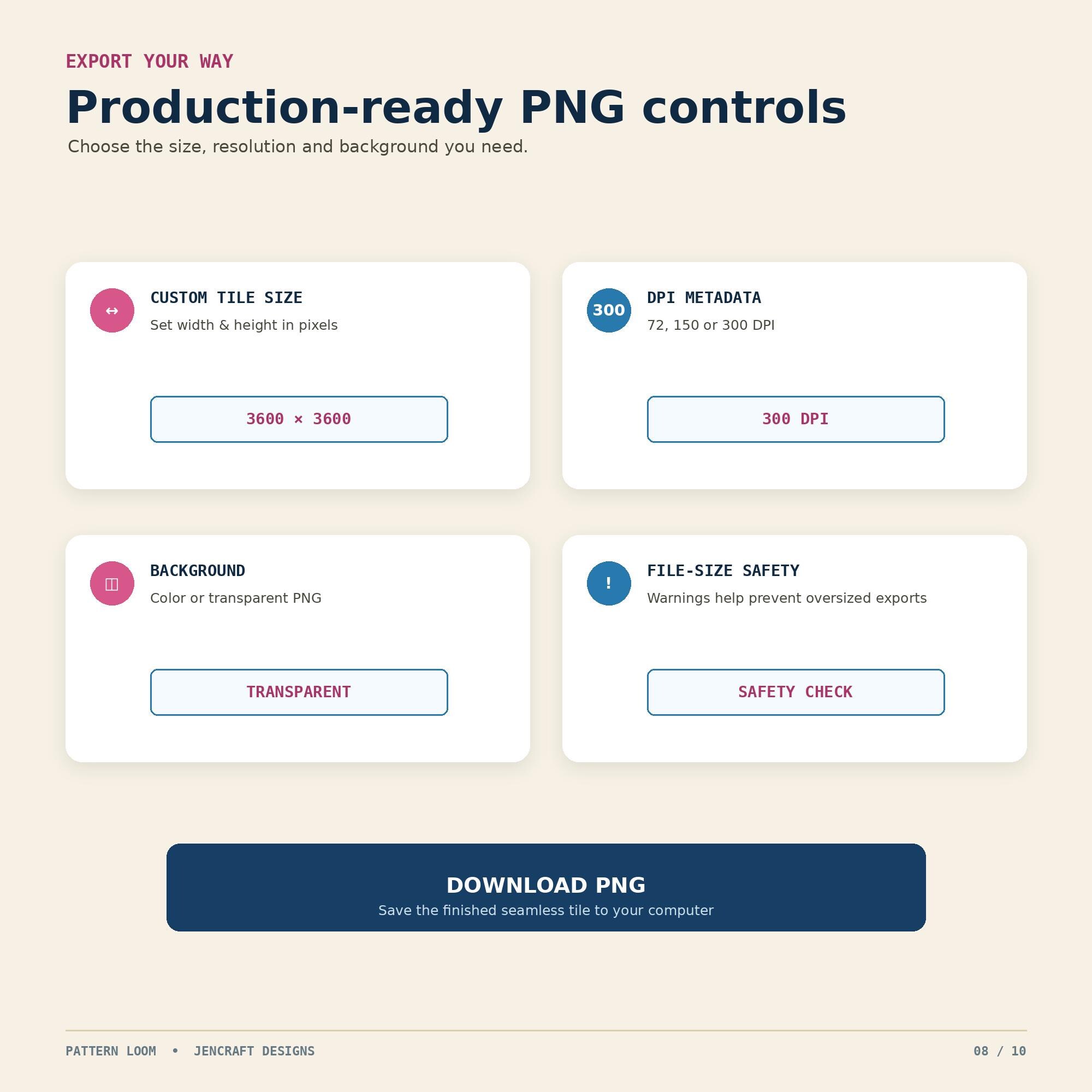
• Choose a colored or transparent background
• Set custom image dimensions and DPI
• Download your finished seamless tile as a PNG
## WHAT YOU RECEIVE
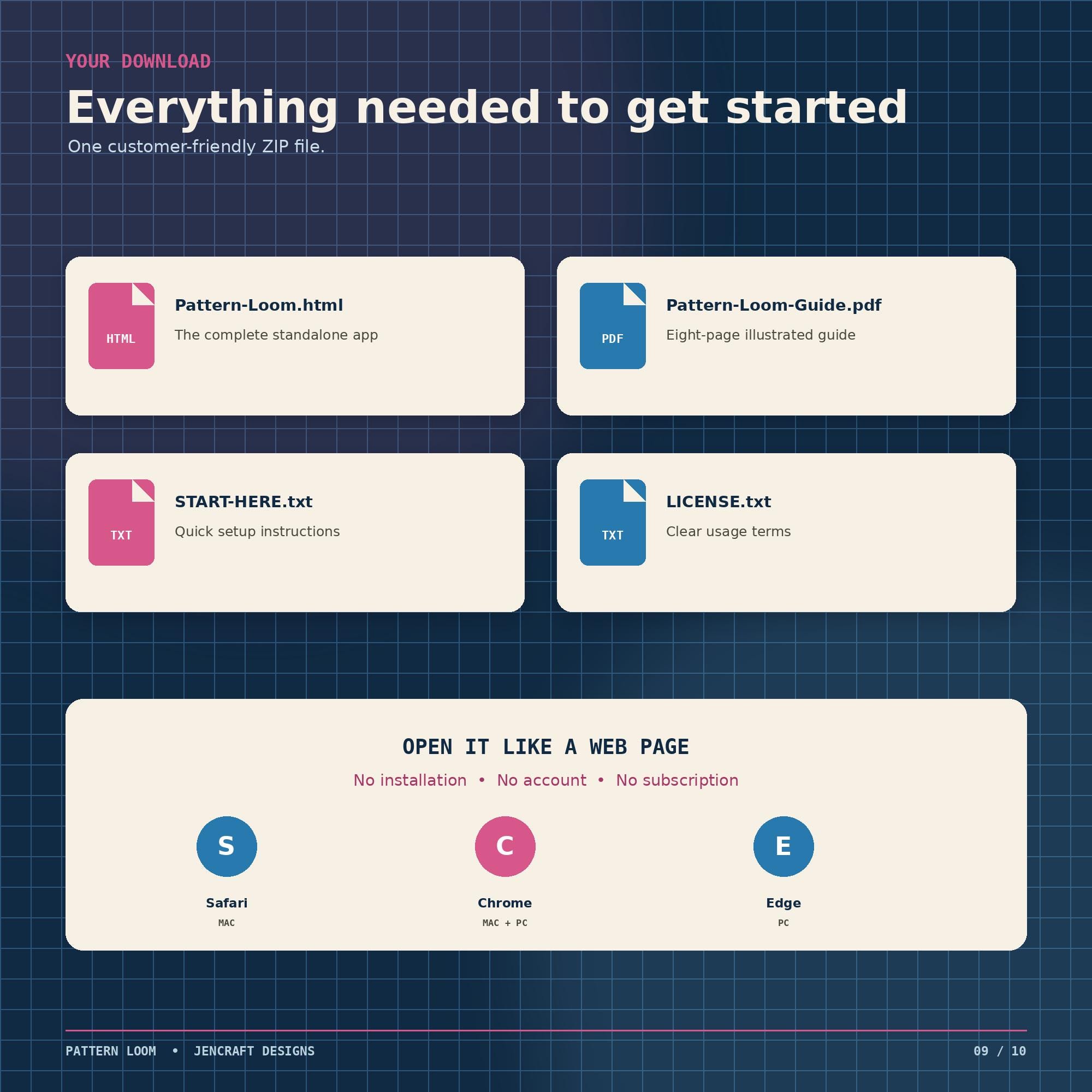
One customer-friendly ZIP folder containing:
• Pattern-Loom.html — the complete standalone pattern-making app
• Pattern-Loom-Guide.pdf — an illustrated 8-page user guide
• START-HERE.txt — quick setup instructions
• LICENSE.txt — complete license terms
## HOW IT WORKS
1. Download and extract the ZIP folder.
2. Double-click Pattern-Loom.html to open the app in your browser.
3. Choose your tile size, DPI and background.
4. Upload separate PNG or JPG design elements.
5. Arrange, resize, rotate, duplicate and position your artwork.
6. Check the 3×3 Repeat Preview to see how your pattern tiles.
7. Download your finished seamless PNG.
## GREAT FOR CREATING
• Seamless pattern tiles
• Digital paper
• Sublimation backgrounds
• Fabric and textile patterns
• Scrapbook paper
• Print-on-demand designs
• Craft backgrounds
• Surface pattern designs
• Custom repeating graphics
• Commercial digital design products
## COMPATIBILITY
For the best experience, use:
• Safari or Google Chrome on Mac
• Google Chrome or Microsoft Edge on Windows
A desktop or laptop computer is recommended.
Pattern Loom runs locally in your browser. The artwork you upload into the app is not sent to an outside server by Pattern Loom.
No subscription is required, and there is no account to create.
## IMPORTANT TO KNOW
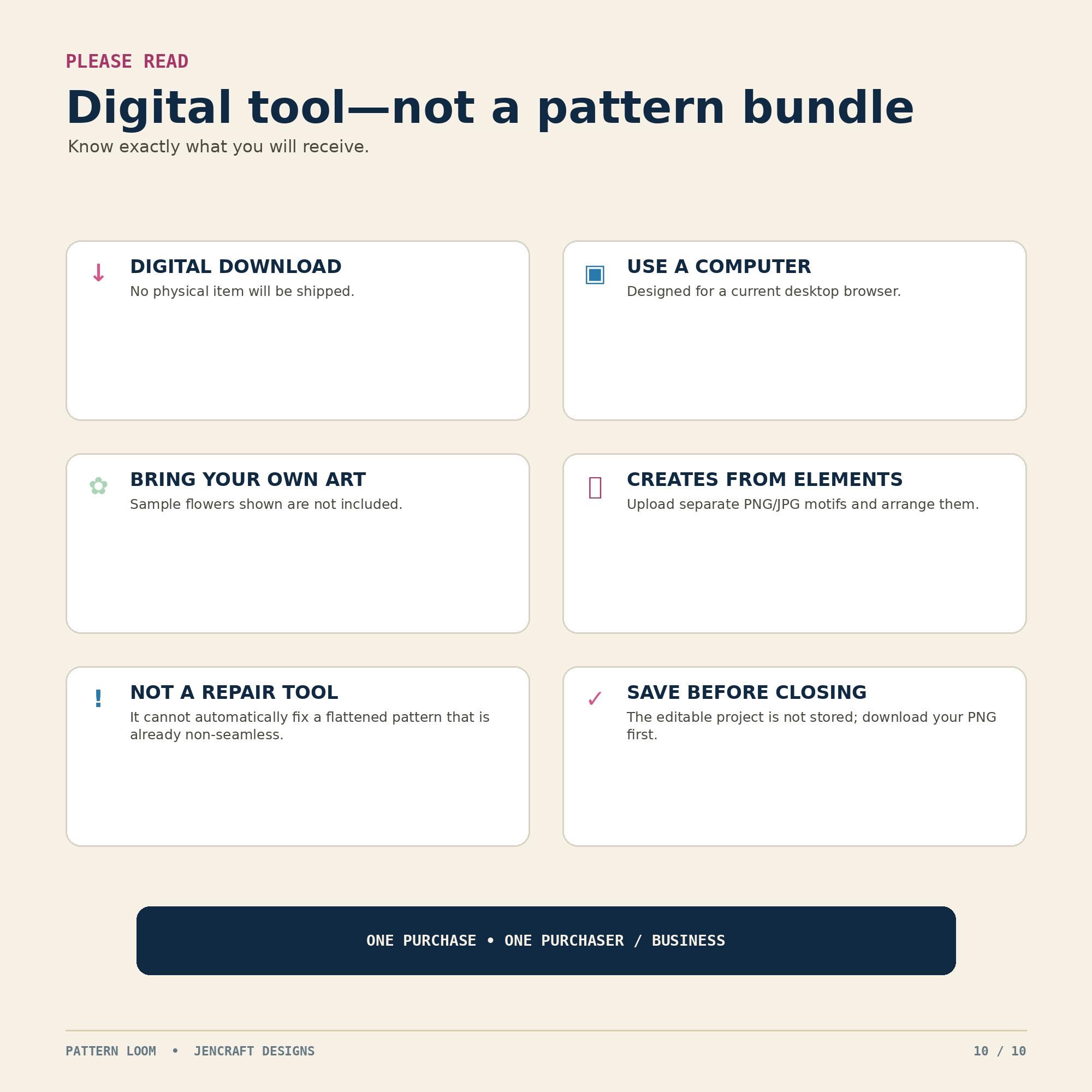
• This is a DIGITAL DOWNLOAD. No physical item will be mailed.
• A desktop or laptop computer is recommended.
• This listing includes the Pattern Loom app, user guide and supporting files only.
• Sample artwork shown in listing images is not included.
• Upload separate artwork elements that you own or have permission to use.
• Pattern Loom creates seamless tiles from individual elements you arrange.
• It does not automatically repair a flattened image that is already non-seamless.
• The editable project is not saved after the browser tab closes or refreshes. Be sure to download your finished PNG before closing the app.
• Because this is a downloadable digital product, please contact me before purchasing if you have compatibility questions.
## COMMERCIAL USE
You may use Pattern Loom for personal or commercial projects.
You may create seamless flattened patterns and use or sell your finished designs as digital products, physical products, print-on-demand products or client work, provided you have the necessary commercial rights to any artwork you upload.
Patterns you create may be used commercially according to the licensing terms of the artwork and design elements used to create them.
Pattern Loom itself may NOT be shared, resold, redistributed, copied, hosted, sublicensed or given away.
The HTML app, source code, guide and included package files may not be redistributed in whole or in part.
One purchase covers one purchaser or business.
Please read the included LICENSE.txt file for complete licensing terms.
## ABOUT PATTERN LOOM
Pattern Loom was created by JenCraft Designs to make seamless pattern building easier and more approachable for crafters, sublimation designers, digital paper creators, surface pattern designers and small creative businesses.
Create your own repeating patterns from artwork you already love—without needing complicated professional design software.
Digital downloads
File delivery
Your files will be available to download once payment is confirmed.
Payment Options
Returns & Exchanges
Returns & exchanges not accepted
But please contact me if you have problems with your order
Frequently Asked Questions
I just purchased this file but it's showing my payment hasn't cleared.
Etsy can take up to 5 minutes to process your payment. Once your payment has cleared your download link will be active.
Why didn't I get a download after purchasing?
You will receive a download link on the last page of your checkout. Etsy also emails the download link to your email address and you can also download under "Purchases and Reviews" located in your Etsy account
www.etsy.com/your/purchases.
Custom and personalized orders
Yes, these files work with Silhouette Studio. For the Free version you use the .dxf files and for the Designer (Paid) version you can use the .svg files
Will these files work with my Cricut Explore?
Yes, you can use the svg files. The png, jpg and dxf files can also be uploaded into Design Space but can't be ungrouped.
How do I get these into my Silhouette or Cricut?
Step by Step instructions on how to unzip and import into Silhouette Studio and Cricut Design Space are emailed to you with each purchase. I am also available for any questions you may have.
Do you offer deals or coupons?
Yes, Coupon codes are listing on the main shop page in the about section. Also in each listing on the 2nd or 3rd picture.
Do you issue refunds?
Normally no, not once the files have been downloaded. I will work with you on any issues you have and resend the files through email if needed. Please make sure before purchasing that your machine is compatible.